

Important Dates
Scientific Assembly:
April 11-15, 2026
AAEM26 Mobile App
The AAEM Meetings mobile app is the go-to resource for the most up-to-date AAEM26 information. View and favorite sessions, speakers, socials, and more! Download the app today and start building your schedule.
Download Instructions
- Scan the QR Code or go to the Apple App Store or Google Play and search for AAEM Meetings.
- Install and open the event app.
- Find AAEM26 in the Upcoming Events (bottom row).
- Tap the AAEM26 icon to launch the app.
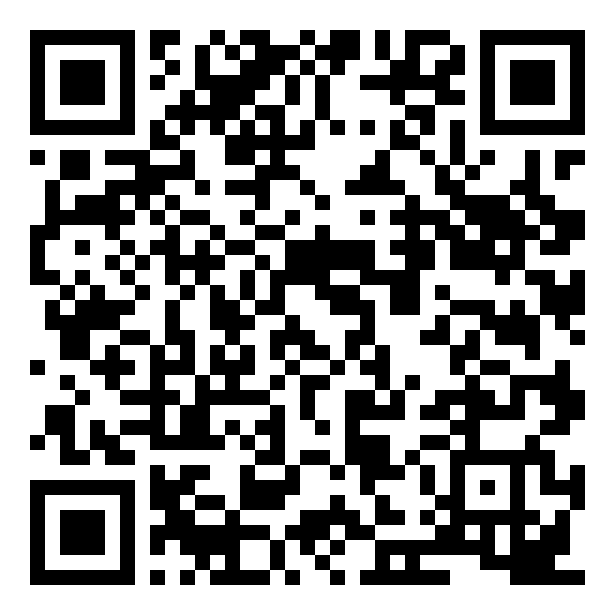
Log In Information
Already have an account? Tap Login and enter your email address and access key (password) that were emailed to you.
Don’t have an account? Visit the registration desk onsite for assistance.
IMPORTANT NOTE: If you registered prior to being onsite, you have an account. Contact Katie Mason, AAEM Marketing and Communications Manager, for assistance. If you are onsite, visit the registration desk at the hours listed below.
App Tips
Download the app before you go! Wi-Fi connection on-site can affect the functionality of the app.
Browse the event information and create a personal schedule by tapping on the star next to presentation titles.
Refresh app using the button on the home screen each time you open the app to ensure you are viewing the most up to date information.
Having trouble with the app?
If you have questions while onsite, please view the Questions? tile in the mobile app.
If your trouble continues, visit the registration desk (Grand Level – 4th Floor) when it is open:
- Saturday, April 11 | 7:30am – 6:00pm
- Sunday, April 12 | 7:00am – 7:00pm
- Monday, April 13 | 7:30am – 5:30pm
- Tuesday, April 14 | 7:30am – 5:30pm
- Wednesday, April 15 | 8:00am – 12:15pm
If you have any questions or need assistance, our team is happy to help. Please contact us via email or at (800) 884-2236.